Browser developer tools, API documentation, and support tickets often provide cURL because it is portable text. The same strength creates a trap: a large one-line command can contain expired cookies, duplicated headers, machine-specific paths, and data nobody understands. Repeating it does not automatically make it a repeatable test.
1. Run the original once—and record the result
Use a safe environment. Save the exact status, response headers, body, and time. If it fails, keep that failure as the baseline instead of editing the command immediately. Otherwise you lose the evidence needed to explain what changed.
curl --request POST 'https://api.example.com/v1/orders?dry_run=true' \
  --header 'Authorization: Bearer YOUR_TOKEN' \
  --header 'Content-Type: application/json' \
  --data '{"customer_id":"cus_2381","quantity":1}'
2. Decompose the command into request parts
Write down the method, URL, query parameters, headers, and body separately. Then classify every value as stable, environment-specific, secret, or generated.
| Input | Classification | Action |
|---|---|---|
| HTTP method | Stable | Keep explicit |
| Production hostname | Environment-specific | Replace for test/staging |
| Bearer token | Secret and expiring | Inject locally; never commit |
| Customer ID | Test fixture | Name and document it |
| Request ID | Generated | Create per run or omit |
Remove browser-only noise unless the API truly requires it: sec-ch-ua, navigation headers, and copied cookies often obscure the actual contract.
3. Separate secrets from the shareable request
A repeatable test is safe to share. Replace tokens, API keys, passwords, session cookies, signed URLs, and private customer data with obvious placeholders. Store the real values in your local environment or secret manager.
4. Make each input editable
Long shell quoting makes experiments difficult. An API client can expose headers, query parameters, and JSON fields separately; a shell script can use clearly named environment variables. Either format is valid if another person can see what to change.
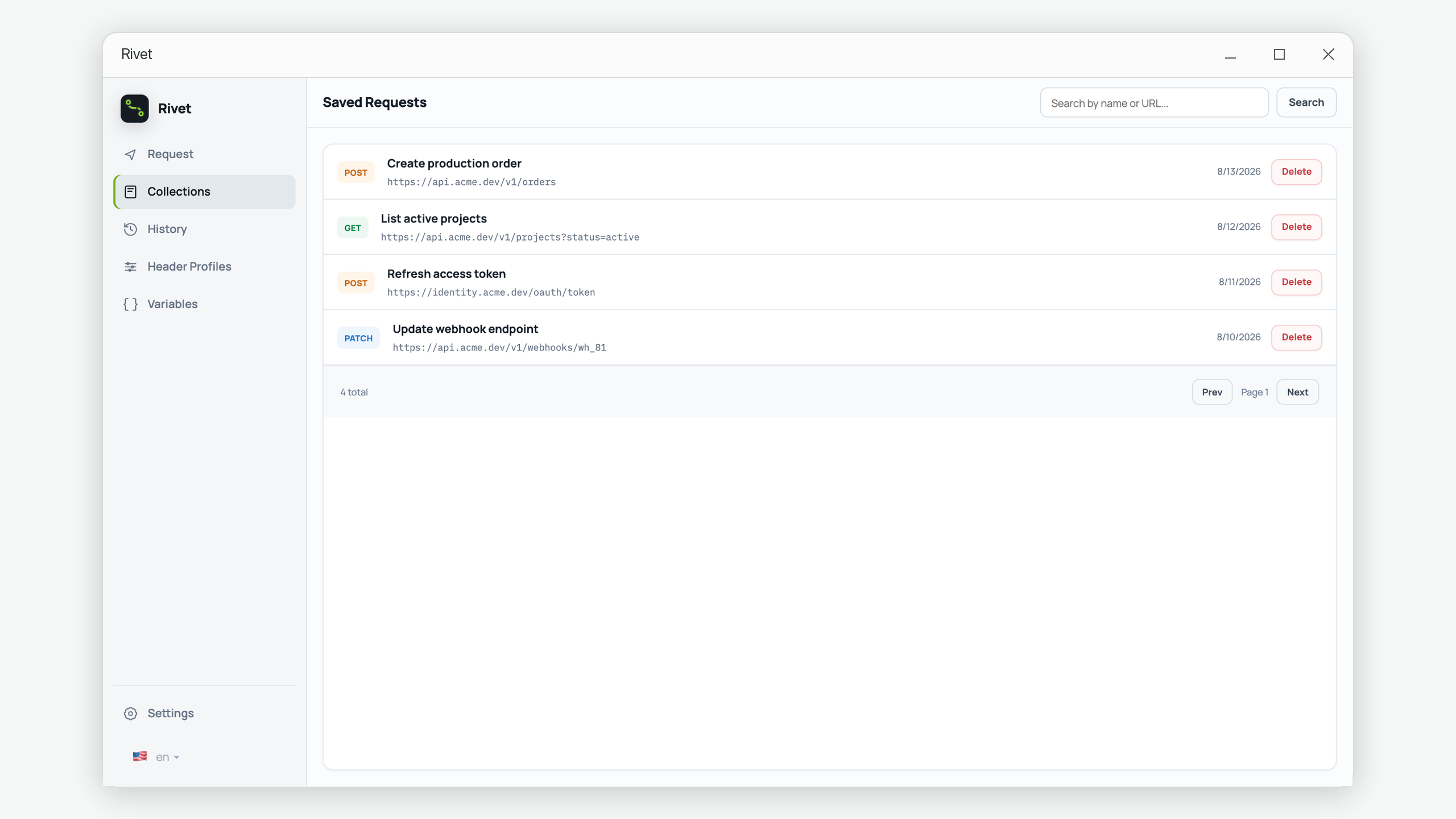
Rivet's cURL import is useful for common JSON and text requests: import the command, review each parsed field, and save the cleaned request. Multipart file commands deserve extra care in any conversion tool—verify that file fields still carry cURL's @path meaning before relying on the export.
5. Define what success means
Write a small assertion list next to the request. For example: status is 201; response content type is JSON; body includes a non-empty order ID; status is confirmed; and the response includes a request ID. Avoid asserting volatile timestamps or IDs exactly unless that is the behavior under test.
6. Create controlled variants
Duplicate the baseline for one meaningful case at a time: missing token, invalid quantity, unknown customer, or duplicate idempotency key. Name the expected outcome. This produces a compact manual regression suite rather than a pile of unrelated requests.
7. Export a sanitized reproduction
Before sharing, regenerate cURL from the cleaned request and inspect the text. Confirm that the host is safe, the credential is a placeholder, local file paths are absent, and test data contains no personal information. Include expected and actual outcomes plus a request ID for server logs.
Repeatable cURL checklist
- The original outcome was saved before editing.
- Method, URL, parameters, headers, and body are understood.
- Secrets and production data are removed.
- Stable and environment-specific values are separated.
- The expected status and important response fields are written down.
- Each failure variant changes one behavior.
- The final exported command was reviewed as plain text.
Turn useful requests into a local library
Import common cURL commands, edit them visually, save clean baselines, and reopen them when an endpoint changes.
Get Rivet from Microsoft Store